
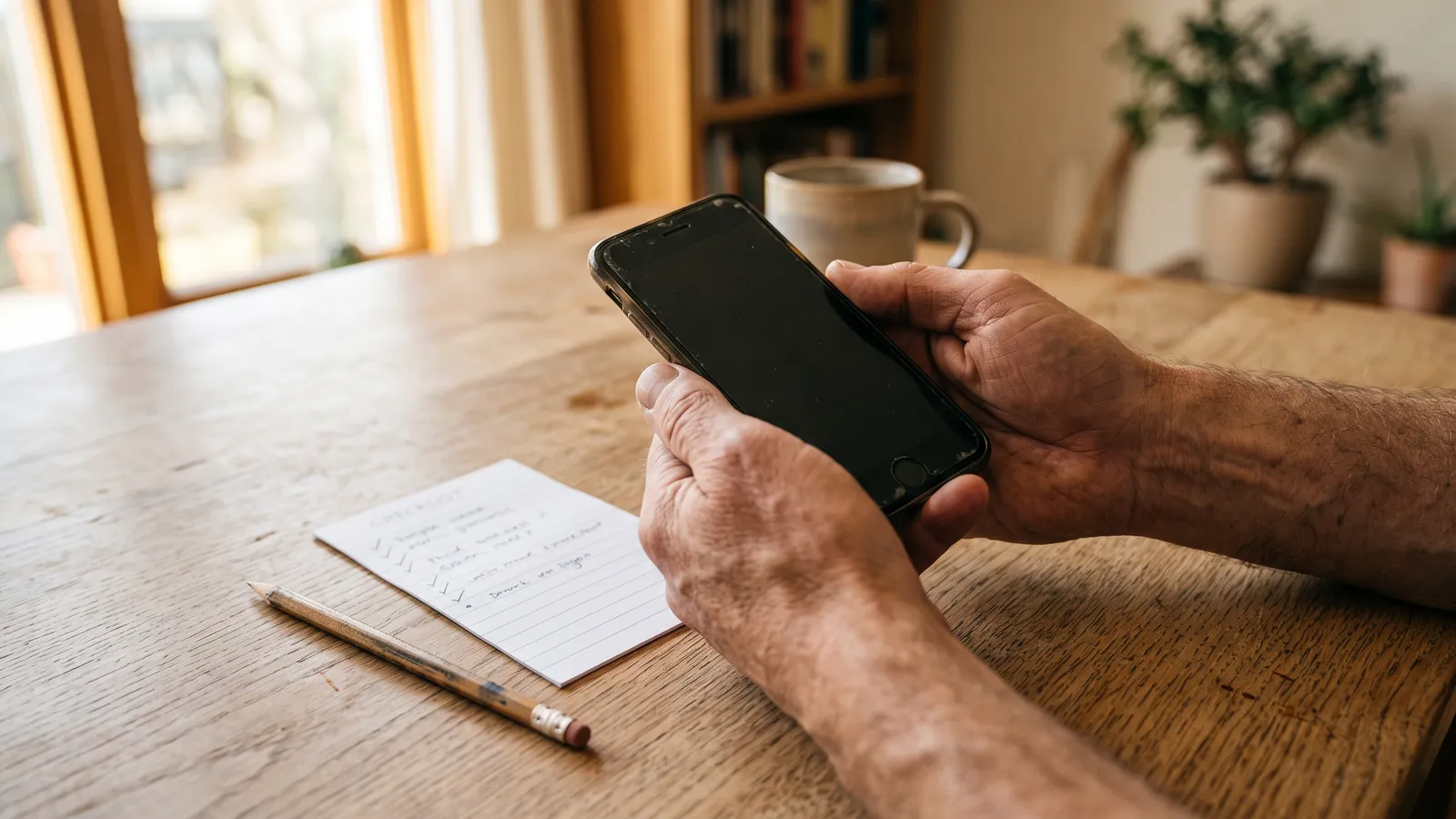
How to check a used phone before buying: a 10-minute checklist
A used phone can be a great deal or someone else’s problem. Most faults show up in ten minutes if you know where to look. Do these checks in order, ideally with the seller in front of you, and walk away if a lock check fails.
Open the Dead Pixel & Screen Test1. Locks first: if these fail, stop
Check the lock status before you look at anything else, because a locked phone is a brick no matter how good it looks.
- iPhone: Apple’s advice for buyers is that if the iPhone is Activation Locked, don’t buy it. If you see “iPhone Locked to Owner” on wake, the seller needs to enter their Apple Account password to turn Activation Lock off, in front of you.
- Android: ask the seller to factory reset the phone in front of you, then run through setup. If it asks for the previous owner’s Google account or password at the end, the phone is still locked to them and you shouldn’t buy it.
- Dial *#06# on any phone to show the IMEI. It works with no SIM. Check it matches the box, the label in the SIM tray and the listing. Ask the seller to confirm the phone is not blocked or reported lost with your carrier.
- Check the phone is not locked to one carrier if you plan to use another SIM. Put your own SIM in and make a call.
2. Look it over
- Frame, corners and back glass: dents, cracks, or a back panel that doesn’t sit flush can mean a drop or a poor repair.
- Charging port and speaker grilles: look with a torch for lint, green or white residue or bent pins. Corrosion points to liquid.
- Camera lenses: fog or droplets behind the glass can mean water got in.
- Ask what has been repaired, and why. Replacement screens and batteries are common and fine if disclosed and genuine.
3. Test the screen
Open the Dead Pixel Test on the phone you’re buying and cycle through the solid colours at full brightness. Look for dots that stay black, white or a fixed colour, yellow or pink patches, and lines.
Then run the Touch Screen Test and drag a finger across every edge and corner. Dead zones and ghost touches are expensive faults. On OLED phones, also run the Screen Burn-in Test: faint shapes that stay in the same place on different colours are burn-in, not a smudge.
4. Test the sound, mic and vibration
Play the Speaker Test and listen to left and right separately: crackling, a rattle or one weak side suggests damage or dust. Muffled sound can be dirt or a past soaking; our speaker cleaner and dust guides explain the difference. Use the Mic Test to record and play back, and make a short call to check the earpiece and microphone in a real call. Run the Vibration Test and the Headphone Test if the phone has a jack or you’ll use wired earphones.
Plug in the cable you’ll use and confirm the port holds firm. A loose port is a common fault on used phones.
5. Check the battery
On iPhone, Apple’s buying guide says to check battery health: go to Settings > Battery, then tap Battery Health & Charging on iPhone 14 or earlier, or Battery Health on iPhone 15 or later. It shows maximum capacity and any messages. Apple notes that battery health information isn’t available for unknown or non-genuine batteries, and a message saying it can’t verify a genuine Apple battery means the figure may not be accurate. On iPhone 15 or later you can also see the cycle count.
Samsung Galaxy phones can run battery status checks in the Samsung Members app under Diagnostics. Many other Android phones don’t show capacity at all, so measure instead: plug it in and use the Charging Speed Test. A phone that charges very slowly with a known-good charger, gets hot, or drops quickly while you’re testing is a warning sign. If the phone won’t charge at all, Apple’s advice for a pre-owned iPhone is not to buy it.
6. iPhone only: parts and service history
On iOS 15.2 or later, go to Settings > General > About. If a part has been replaced, a Parts & Service History section appears under the serial number. Apple labels a part Genuine, Used or Unknown. “Unknown” marks a part that isn’t a genuine Apple part. If nothing has been serviced, the section doesn’t appear. This is not a deal-breaker on its own, but it’s a good reason to ask questions and to haggle.
7. Test the sensors and the small stuff
- Auto-rotate: run the Auto-Rotate Test to check the accelerometer and rotation lock.
- Proximity sensor: make a call and hold it to your ear. The screen should go dark, then wake when you pull it away.
- Buttons, Face ID or fingerprint, SIM tray, camera (front and back), flashlight, Wi-Fi and Bluetooth: use each once.
- Samsung and Xiaomi/Redmi phones have built-in hardware test menus. Our phone test codes guide covers the ones that are documented.
8. Before you pay
- Ask for the original receipt or proof of purchase if there is one.
- Sign out of your own accounts afterwards and do not leave your data on a phone you’re selling later.
- Pay in a way that protects you, and meet somewhere public if it’s a private sale.
- If it’s a refurbished phone from a shop or marketplace, check the warranty and return window before you buy.
Every test on PhoneTools, in one place
Dead Pixel & Screen Test
Cycle full-screen colours to spot dead, stuck or discoloured pixels.
Touch Screen Test
Swipe over a full-screen grid to find unresponsive areas and count touch points.
Screen Burn-In Test
Full-screen grey, white, black and colour fills to spot OLED burn-in and ghosting.
Speaker & Stereo Test
Play sound from the left, right or both speakers and check frequency response.
Microphone Test
Check your mic with a live waveform, level meter and 5-second recording.
Headphone Test (Left/Right & Bass)
Check left and right channels, bass response and full frequency range on headphones and earbuds.
Vibration Test
Check your vibration motor with short, long and pattern buzzes.
Charging Speed Test
Measure how fast your phone charges and compare chargers, cables and sockets.
Auto-Rotate & Sensor Test
Check your gyroscope, accelerometer and compass, and find out why the screen won't rotate.
Tone Generator
Generate any frequency from 20 Hz to 20,000 Hz with sine, square, sawtooth or triangle waves.
Speaker Cleaner (Water Eject)
Play low tones that help push small water droplets out of your speaker grille.
Speaker Dust Cleaner
Play alternating low and high bursts that help shake loose dust out of your phone speaker.
Earbuds Water Eject (AirPods & others)
Play water-eject tones through connected Bluetooth earbuds to help clear droplets from the mesh.
Related guides
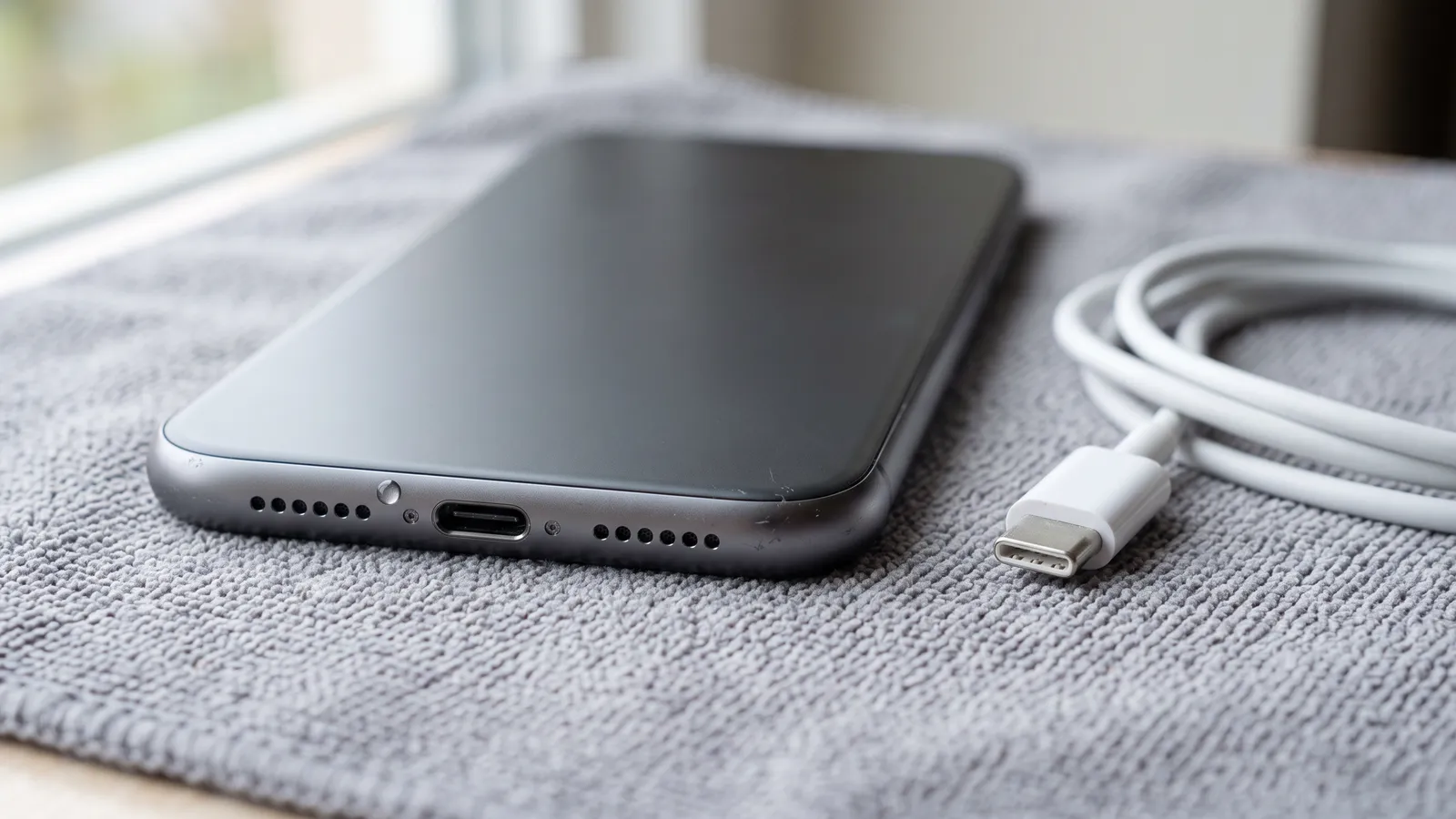
Liquid detected in iPhone charging port: what it means and what to do
iPhone says “Liquid detected in Lightning connector” or USB-C connector? What it means, how long to wait, the emergency override, and false alarms when dry.
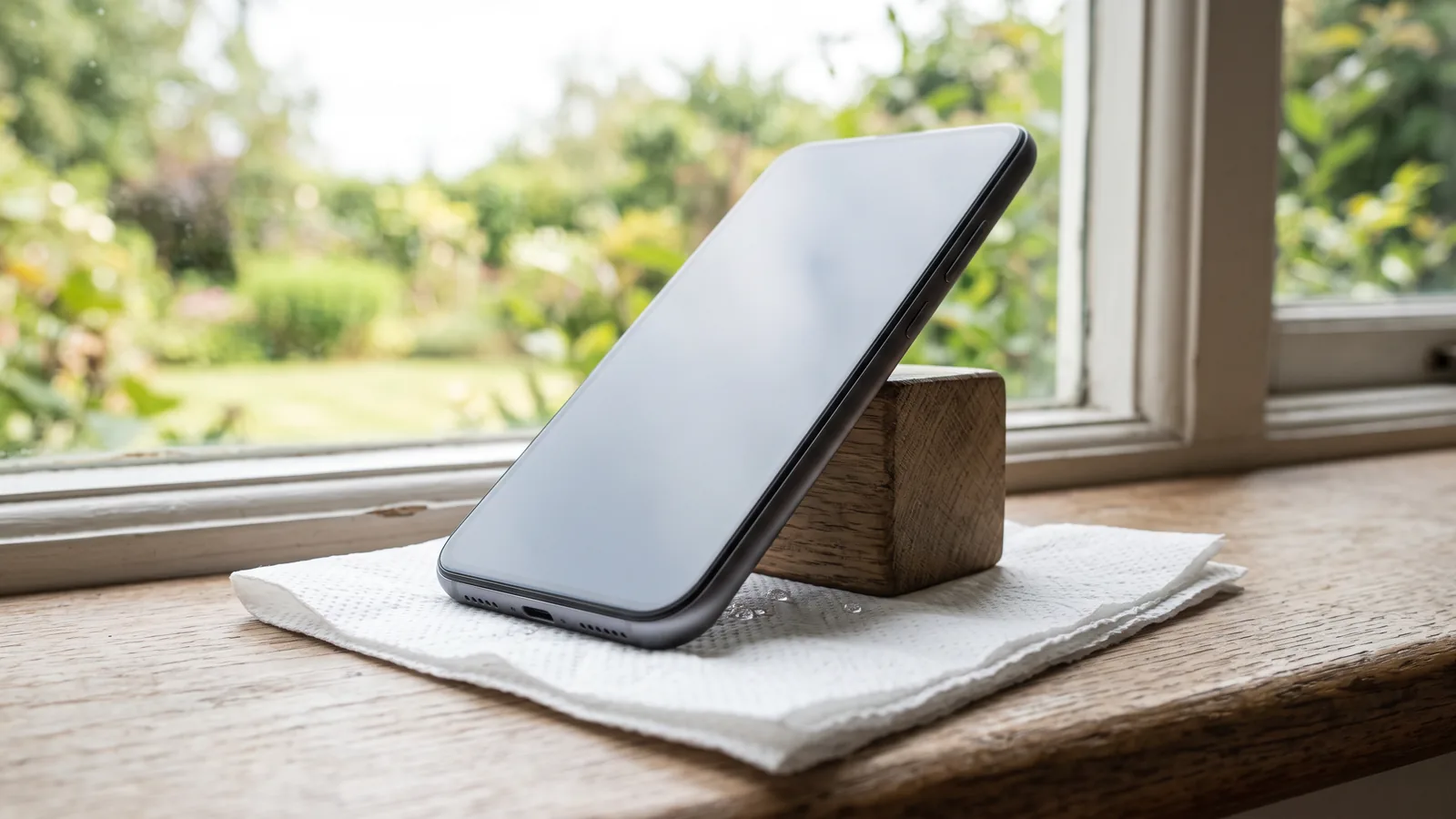
Samsung “moisture detected” in charging port: what it means and how to fix it
Samsung says “moisture detected” or shows a water drop in the charging port? Why it happens even when the port is dry, how to fix it, and how long it takes.
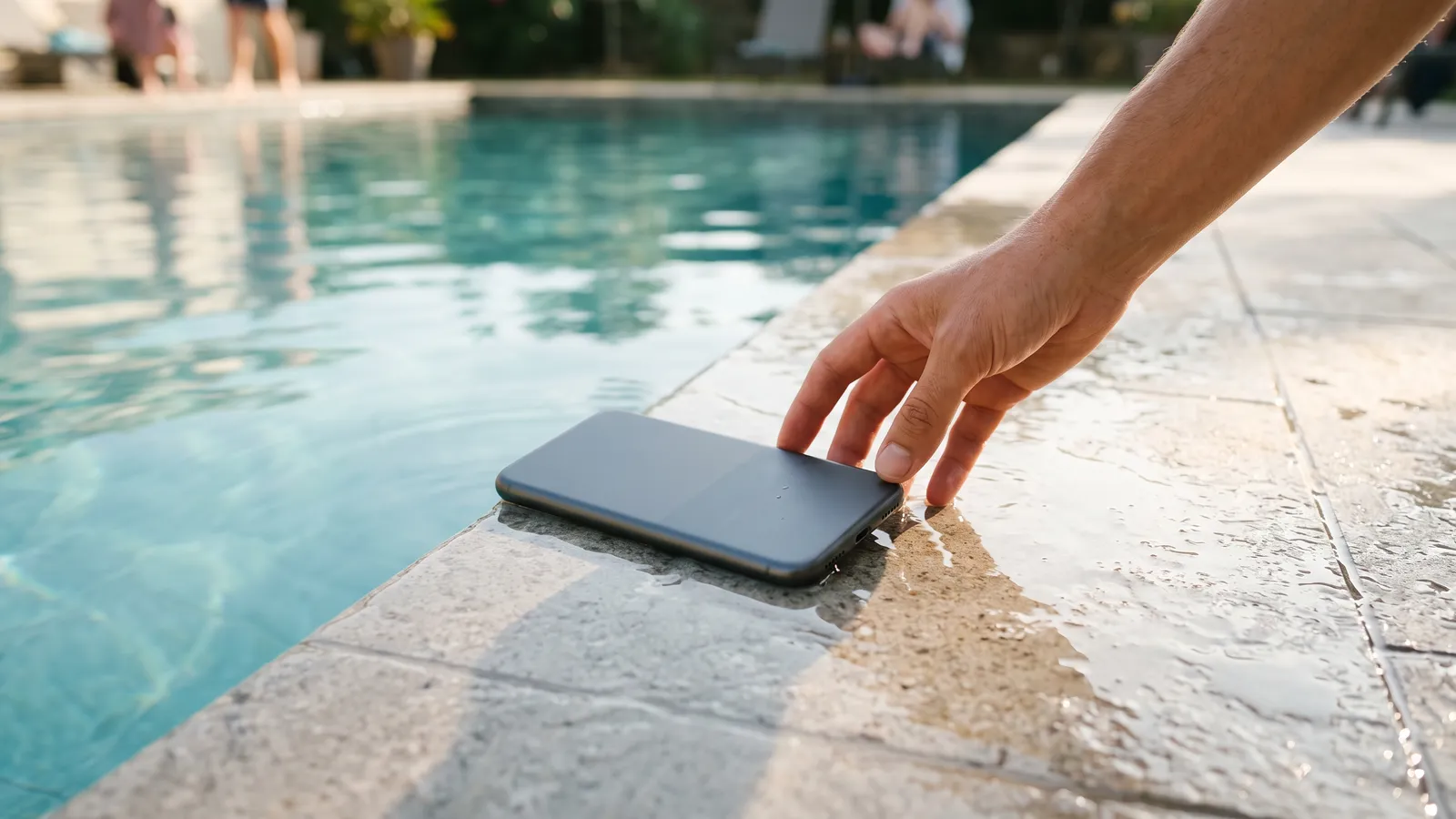
Phone fell in water? What to do in the first 10 minutes (and why not rice)
Dropped your phone in water? Calm first steps for the first 10 minutes, why rice is a bad idea, salt and pool water, drying, and when to get it repaired.
Phone test codes by brand: which secret codes still work
Dial codes that open a hardware test menu on Samsung, Xiaomi, realme, OnePlus, Motorola, Pixel and iPhone — which ones still work, and which are long dead.
Frequently asked questions
How do I check if a used phone is stolen or blocked?
Dial *#06# to read the IMEI, check it matches the box and the SIM tray label, and ask your carrier or your country’s blocklist service whether that IMEI is blocked. Also check Activation Lock on iPhone or the previous owner’s Google account on Android.
What battery health is acceptable on a used iPhone?
There is no official cut-off. Check Settings > Battery > Battery Health. Lower maximum capacity means shorter battery life and a replacement sooner, so use it to negotiate. Any message about an unverified battery is a reason to ask more questions.
Can I test a used phone without an app?
Yes. The Dead Pixel, Touch Screen, Speaker, Mic and Charging tests on PhoneTools run in the phone’s browser, so you don’t install anything.
Should I buy a used phone with a replaced screen?
It can be fine if the part is good and the seller is open about it. Test touch on every edge, check the proximity sensor on a call, and on iPhone look at Parts & Service History.
How can I tell if a used phone has been in water?
Look for residue in the port, fog behind the camera lens, muffled or crackling speakers and charging warnings. See our guides on liquid detected alerts and phones that fell in water.