
Charging Speed Test
Find out whether your charger, your cable or your phone is the slow part. Measure the battery % gained per minute, swap one thing, and measure again.
How to use
- 1Plug in the charger and cable you want to test. Best when the battery is between about 20% and 80%.
- 2In Chrome on Android, the page reads the battery itself. On iPhone and in Firefox, you type in the battery % and the page times it.
- 3Give the run a name, like “wall charger + white cable”, and pick a test length. Five minutes is a good start.
- 4Tap Start test and leave the phone alone with the screen on. Don't play video or games during the test.
- 5When it finishes, change one thing only: another cable, another charger or another socket. Then run it again.
- 6Compare the bars. The slow setup stands out when only one thing changed between runs.
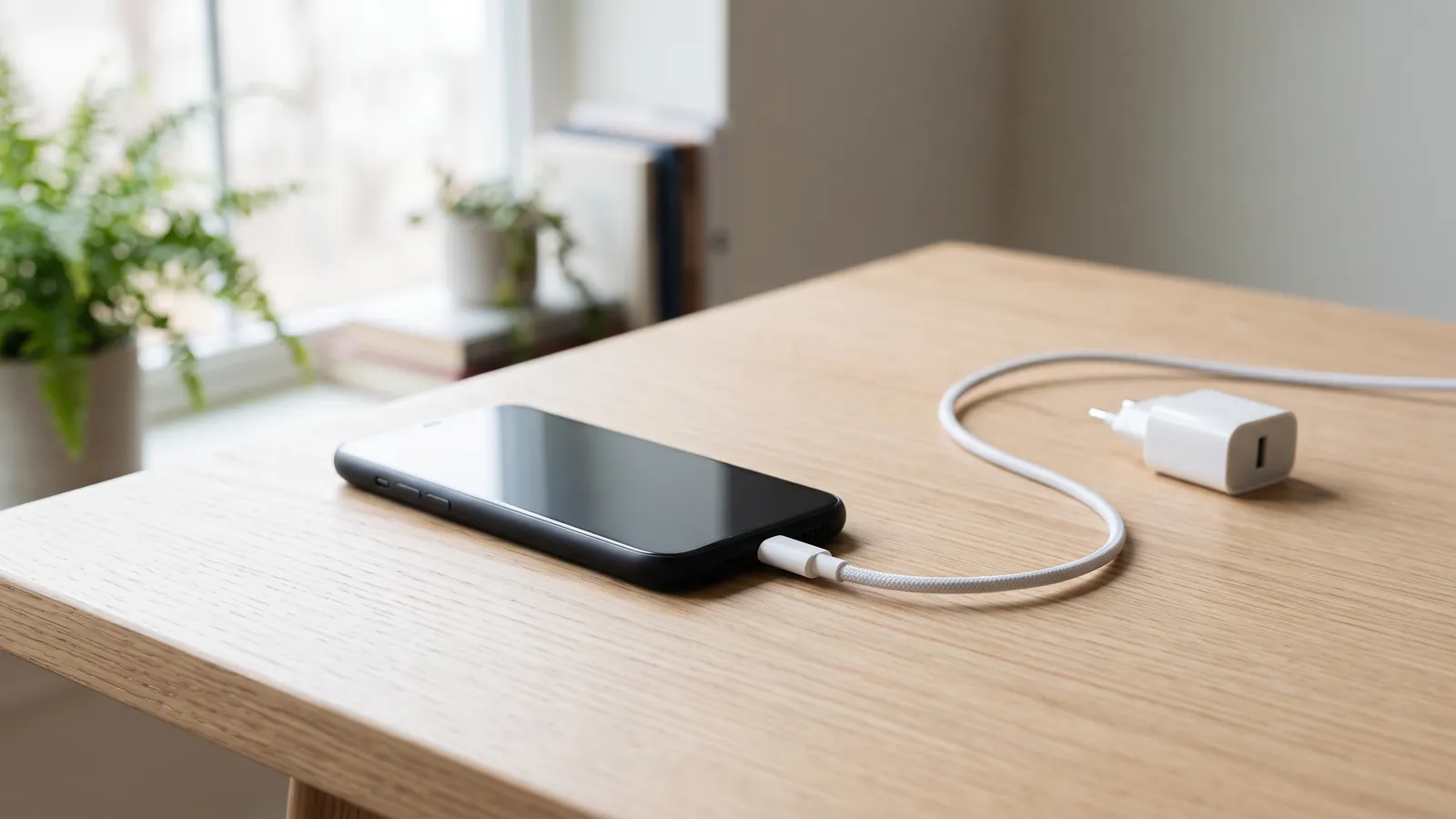
What this test measures (and what it doesn't)
The test records your battery level when you start, waits, and works out how many percent the phone gained per minute. That number is a fair way to compare two setups on the same phone, in the same conditions.
It isn't a watt meter. Phones don't tell websites how much power is flowing, and battery percentage only moves in whole steps. A USB power meter that sits between the charger and the cable is the only way to see real watts. For “is this cable slower than that one?”, comparing %/minute works well.
Which phones and browsers work
Chrome, Edge and Samsung Internet on Android let a web page read the battery level and charging state, so the test runs on its own. Safari on iPhone and Firefox don't share the battery level with websites, so on those you enter the percentage yourself: read it from the status bar (on iPhone you can turn on Battery Percentage in Settings › Battery) and the page times the run for you.
Keep the screen on. Browsers pause web pages when the screen is off, and the timer stops with them. On Android the test asks the browser to keep the screen awake.
Why the same phone charges at different speeds
- Battery level: phones charge fastest when the battery is low and slow down near full. Compare runs started at similar levels, ideally 20% to 80%.
- Heat: a warm phone slows or pauses charging to protect the battery. Take it out of a thick case and off soft surfaces like a bed.
- Use while charging: games, video calls, navigation and a bright screen use power, so less goes into the battery.
- Charging limits: many phones stop at 80% or learn your routine and finish charging just before you usually unplug. These are battery-care features, not faults.
- The weakest link: the phone, the charger and the cable must all support fast charging. A fast charger with a basic cable, or a car or laptop USB port, charges at a slower rate.
How to find the slow part
Change one thing at a time. Start with your usual charger and cable. Then keep the charger and swap the cable. Then keep the cable and swap the charger. Then try a different wall socket. If one swap makes a big difference, you've found the weak link.
If every combination is slow, look at the phone itself. Lint packed into the charging port is common and stops the plug seating fully. Our guide to slow charging walks through the port, settings and battery health checks.
Never charge a wet phone
If your phone has just been in water, don't run this test. iPhones show a liquid detected alert and Samsung Galaxy phones show a moisture warning that blocks cable charging until the port is dry. Let it dry first: see our guides to the iPhone liquid detected alert and the Samsung moisture warning.
Helpful products
As an Amazon Associate I earn from qualifying purchases.
- USB-C PD fast charger
A Power Delivery charger lets most modern phones fast-charge, if the phone and cable support it.
- USB-C to USB-C cable
A worn or basic cable is a common cause of slow charging. Try a fresh one.
- USB-C power meter
Shows the actual volts, amps and watts going into your phone.
Frequently asked questions
Can a website really read my battery?
In Chrome, Edge and Samsung Internet on Android, yes: the level and whether it's charging. Safari on iPhone and Firefox don't share it, so you type it in.
Does this show charging watts?
No. It shows battery % gained per minute, which is enough to compare chargers and cables on the same phone. Real watts need a USB power meter.
What's a good result?
It depends on your phone and battery size, so compare setups rather than chasing a number. A big gap between two cables or chargers is the useful signal.
Why did my phone gain 0%?
Give it longer: percentage moves in whole steps. If it still doesn't rise, the phone may be too warm, held at a charging limit like 80%, or the cable may be faulty.
Why does my phone charge slower after 80%?
All lithium-ion batteries charge more slowly near full, and many phones also pause at 80% to protect the battery.
Is wireless charging slower?
Usually, yes. Wireless pads lose some energy as heat. Use this test to see the difference on your own phone.
Related guides
Why is my phone charging slowly? How to find the cause
Slow charging is usually the cable, charger, port or a battery-protection feature, not a dead battery. How to test each one, one change at a time.
Water in your phone’s charging port: how to dry it safely
Phone says there’s water or moisture in the charging port? How to dry a wet USB-C or Lightning port safely, how long it takes, and why not to charge it yet.
Related tools
Vibration Test
Check your vibration motor with short, long and pattern buzzes.
Touch Screen Test
Swipe over a full-screen grid to find unresponsive areas and count touch points.
Speaker Cleaner (Water Eject)
Play low tones that help push small water droplets out of your speaker grille.